How to upload my icon in Virtual Library
We'll show you how to add an icon to be displaye in the tab of the web browser
Last updated 4 months ago
1 . Control Panel -> Settings -> Store, Icon:
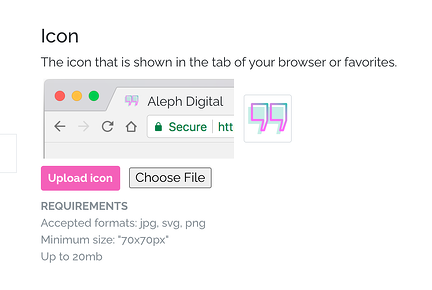
2. Choose the image (*) of the icon to upload by clicking Select File and then click Upload Icon.
(*) The image uploaded must meet the following specifications:
- Accepted formats: JPG, SVG, PNG
- Minimum size: "70 x 70 px"
- Up to 20mb
3. Finally we click on Save
We hope we made this tutorial easy for you and if you have more questions write us at [email protected]