Share A Publication From The Reader
From the reader you can share a full publication or a text passage on social media, messaging apps, or by copying the link. The link can include your exact position so that whoever receives it opens the publication on the same page.
|| This feature requires an internet connection. It's not available while you're offline.
Where to share from
You can start the share action from two places:
| Entry point | What gets shared |
|---|---|
| Header menu (⋯ icon) | The full publication, with the option to include your current page |
| Text selection tool | The selected passage, with a direct link to that spot in the publication |
Available platforms
| Platform | Behavior |
|---|---|
| Opens Facebook's share dialog in a new window | |
| X (Twitter) | Opens a compose window with the title, authors, and link |
| Opens WhatsApp with a predefined message with the title and link | |
| Shows a QR code to scan from the WeChat app | |
| Copy URL | Copies the link to the clipboard and shows a confirmation |
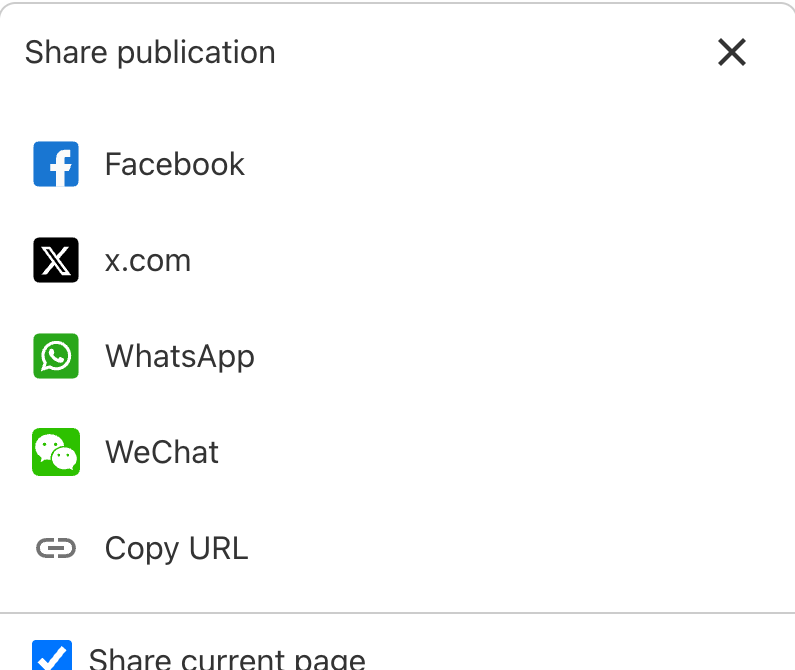
Share with position
When sharing from the header, you can turn on the Share current page option. This adds your exact position to the link: whoever opens it will land directly on that page or moment of the publication.
We hope this article was helpful. If you have questions, write to us at [email protected].